Agree the scope once. Keep it agreed.
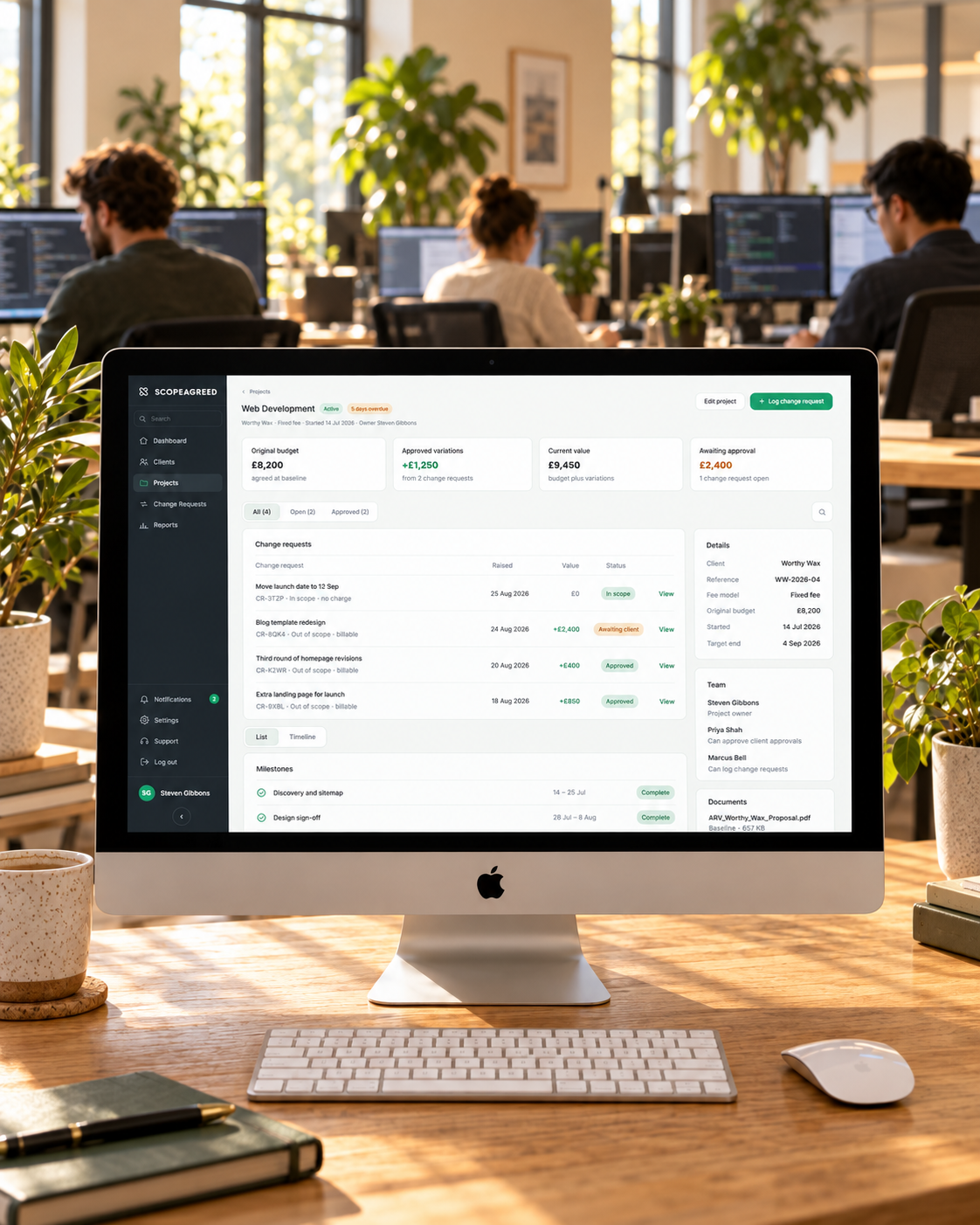
ScopeAgreed follows a project from the signed proposal to the final invoice. Four stages, and what happens at each one for you and for your client.
Or click through the product tour first ↓One change request, start to finish
Click through a real project: the signed baseline, a client asking for more, and the approval that turns it into paid work. About three minutes, no sign-up.
Set the baseline
Start from what the client already signed, or copy a previous project's baseline with your standard exclusions one tap away. The result is the agreed list of what is, and isn't, included.
Log the change
A client asks for something extra on a call or in an email. Record it before it turns into unpaid work.
Get one-click approval
Your client gets a plain summary they can act on straight away, without logging in.
What your client sees
One page, sent by email. The change, what it costs, what it does to the date, and two buttons. No account, no app to install.
Hi David, here is the change you asked for this morning. It sits outside the booking integration we agreed on 14 Aug, so it is priced separately below.
Stay on top of every project
See which projects are drifting before they become a problem, and know exactly what to bill at the end.
Your next extra should be a paid one
Set up your first baseline in about ten minutes. Free for 14 days, no card needed.
Start free